Free Font Tutorial for Shirt Makers: Thick Black 3
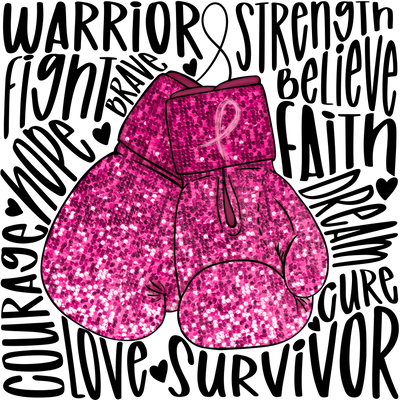
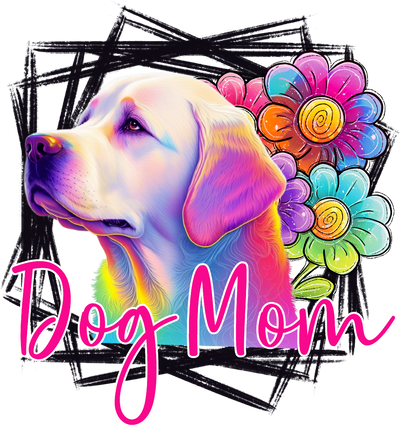
If you create custom shirts for your business or your clients, you know how important it is to have bold, eye-catching fonts in your toolkit. In the video below, I walk you through how I use one of my favorite chunky fonts to create designs that really pop on DTF transfers.
Watch the Step-by-Step Video
In this Loom tutorial, I show you how to add the font to your design software, size it for shirts, and get it ready for print:
Click here to watch the full video tutorial
Download the Font (Free at the Time of This Recording)
The font I am using in this video is called Thick Black 3 on Creative Fabrica. It is a bold, condensed font that is perfect for statement designs, short phrases, and high-impact text on tees and hoodies.
You can download it using my affiliate link here: Thick Black 3 Font on Creative Fabrica
At the time of this recording, it is listed as a free font, but availability and pricing can change, so be sure to double-check the details and license before you use it in your projects.
How This Font Helps Your Shirt Designs Stand Out
- Great for short, bold phrases on the front of a shirt
- Works beautifully with DTF transfers for crisp, readable text
- Perfect for designs that need to be seen from a distance at markets or events
More Free Resources and Helpful Tools for Shirt Makers
If you love finding fonts, graphics, and tools that make designing easier, I have a growing collection of resources just for shirt makers.
You can find additional free resources and some of my favorite paid tools here: Tools and Freebie Drops for Shirt Makers
Bookmark that page and check back often. I regularly add new freebies, deals, and tools that can help you design faster, save money, and create better-looking apparel for your customers.
Ready to create your next design? Visit us at We Print U Press — open Monday through Friday, 9am–4pm EST. If you have questions or need help with your order, email us anytime at hello@weprintupress.com or call 352-340-4343.
Create your custom transfers using our tools: • DTF Gang Sheet Builder • Video Tutorial • Order Individual DTF Transfers
Press it. Peel it. Love it.